Wooden Bridge — Australia

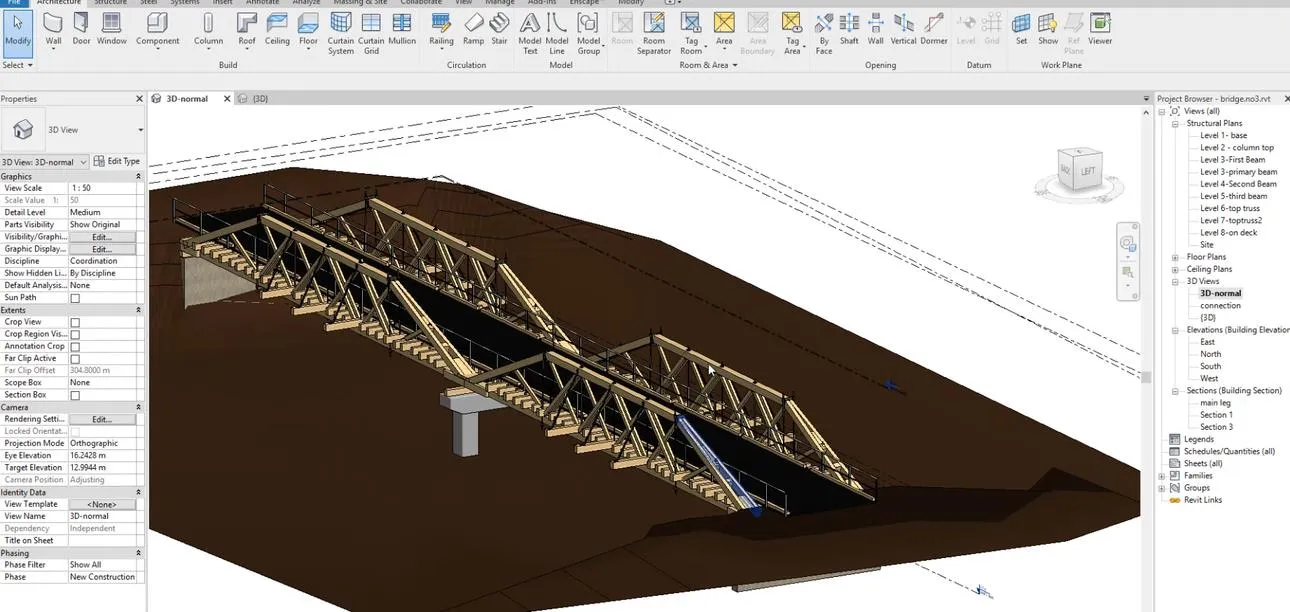
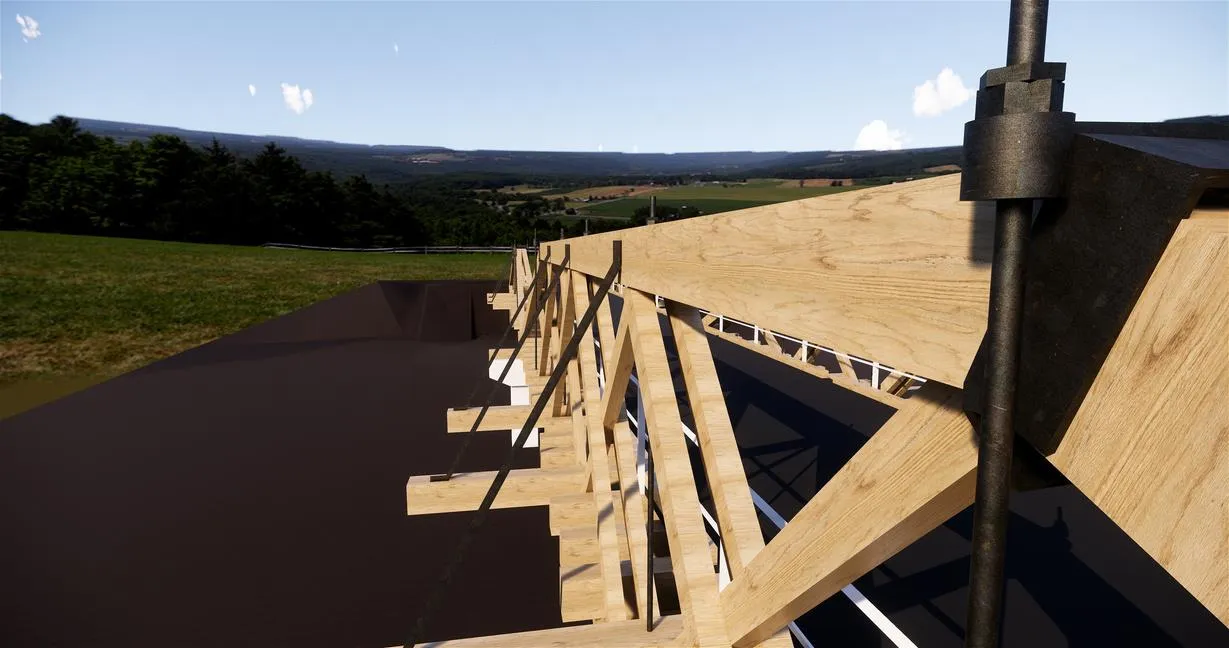
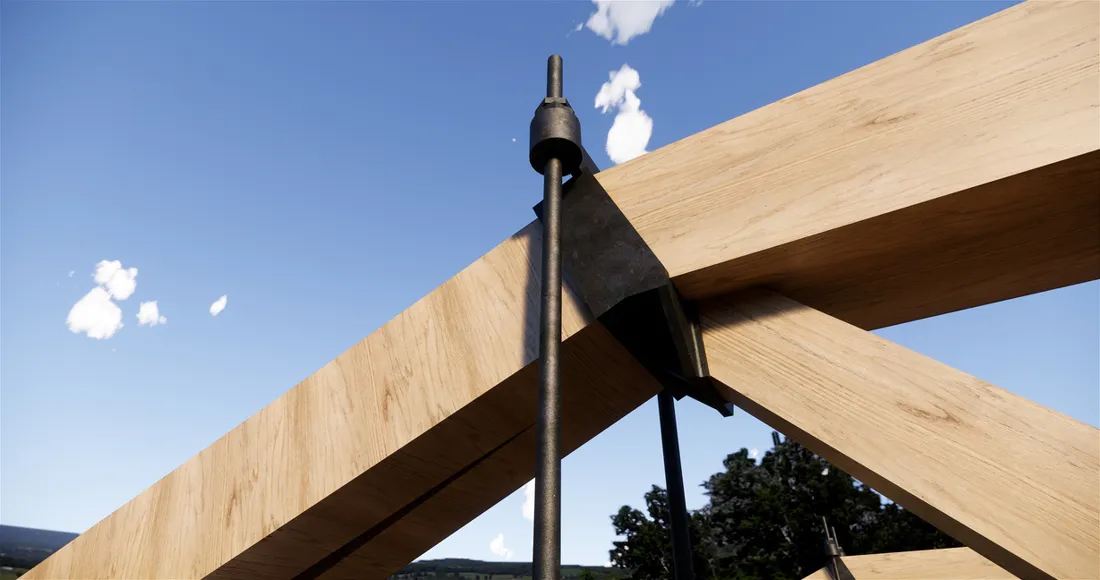
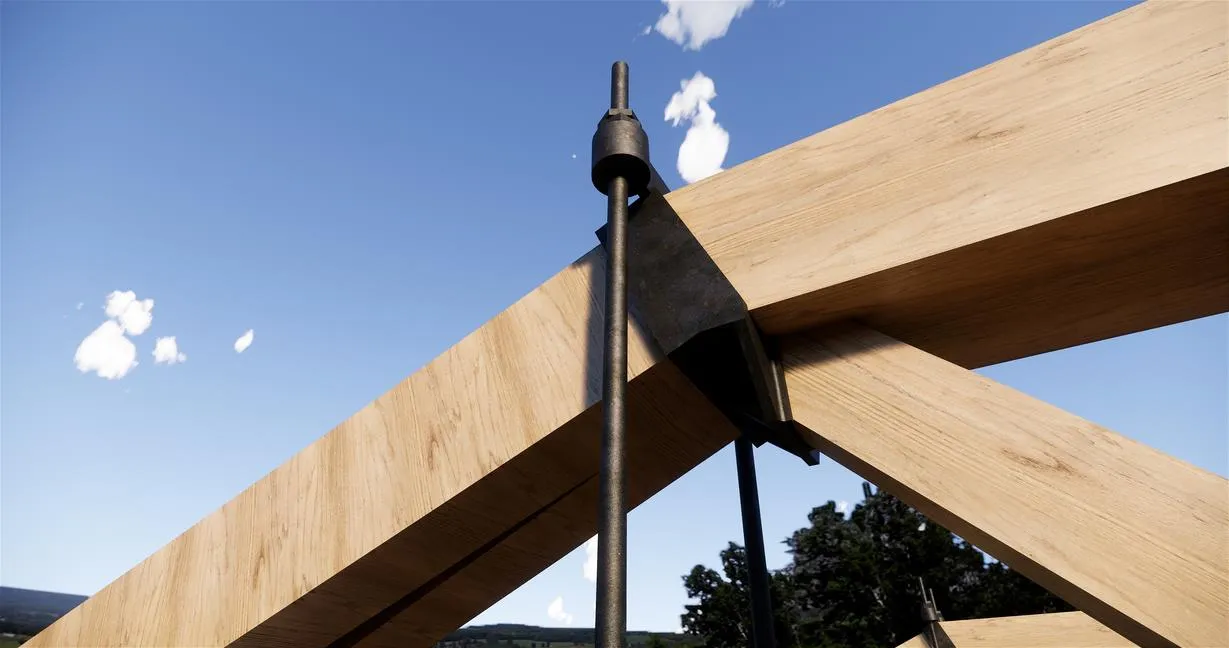
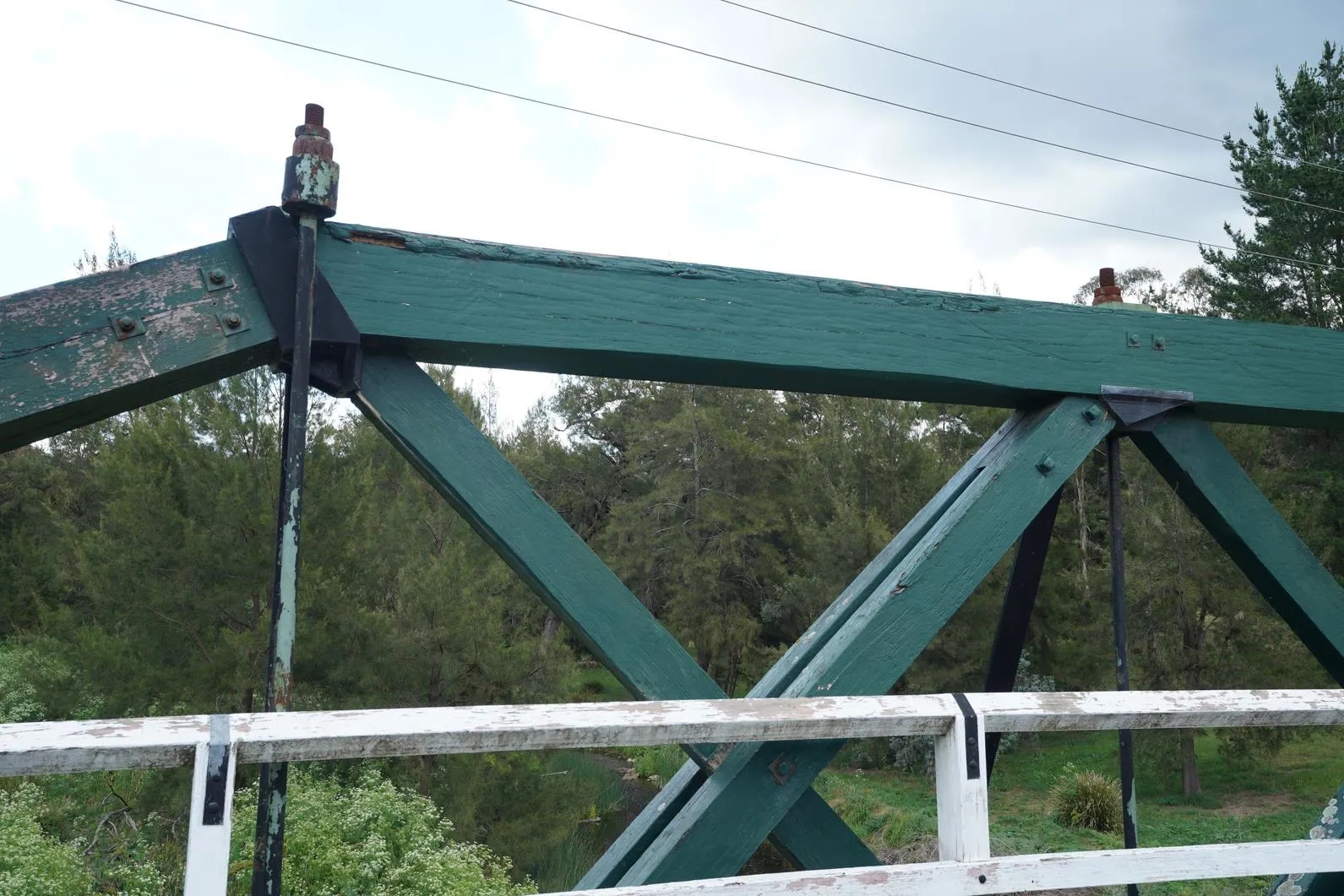
Heritage wooden bridge with intricate steel connections — scanned, processed in Recap, modeled in Revit with separate families only.

Scan-to-BIM
Family-based
High LOD
Wooden Bridge — Australia
Point Cloud
01

About the project

What we built

Heritage wooden bridge in Australia with intricate steel connections. Point cloud scans were processed in Autodesk Recap and modeled at high LOD in Revit.

02

Client request

What they asked for

A detailed Revit model built exclusively from separate, parametric families — no in-place families — so every component would carry consistent information downstream.
Our Approach

Step by step.

4 phases from kickoff to handover.

  1. 01

    Scan processing

    Process the raw laser scan data in Autodesk Recap.

  2. 02

    Import to Revit

    Bring the RCP file into Revit as the modeling reference.

  3. 03

    Model families

    Model each bridge component — timber, steel plates, connections — as its own Revit family. No in-place geometry.

  4. 04

    Deliver

    Ship the high-fidelity family-based model that meets the client's standards.

The Result

What was delivered.

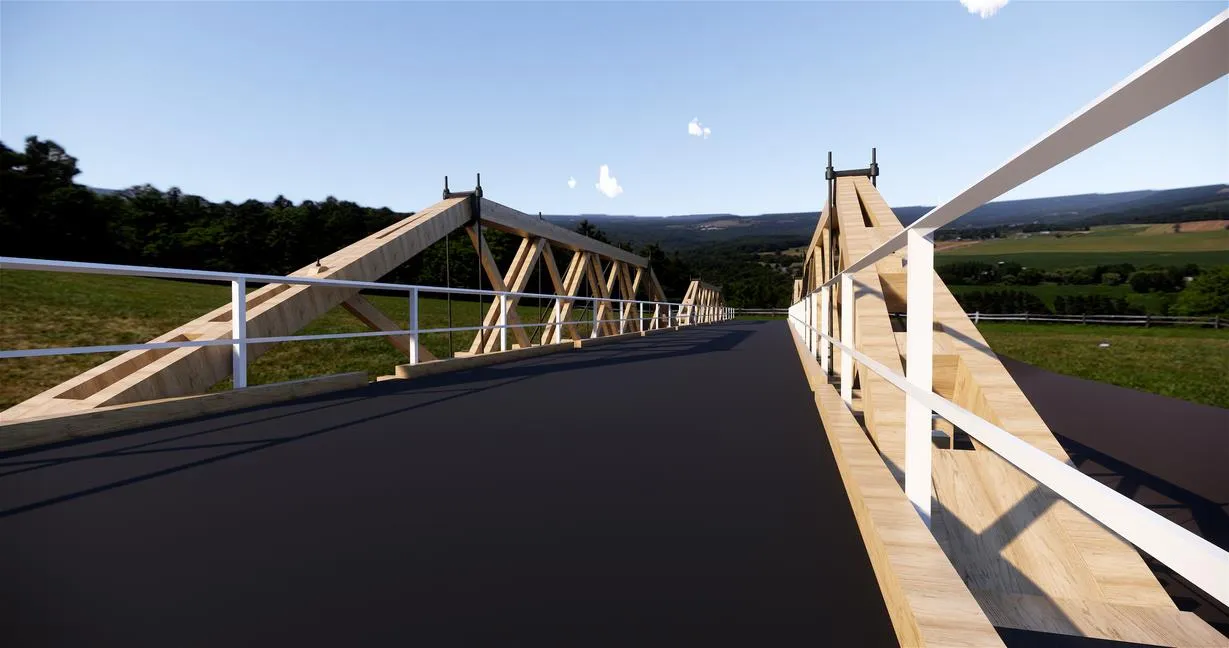
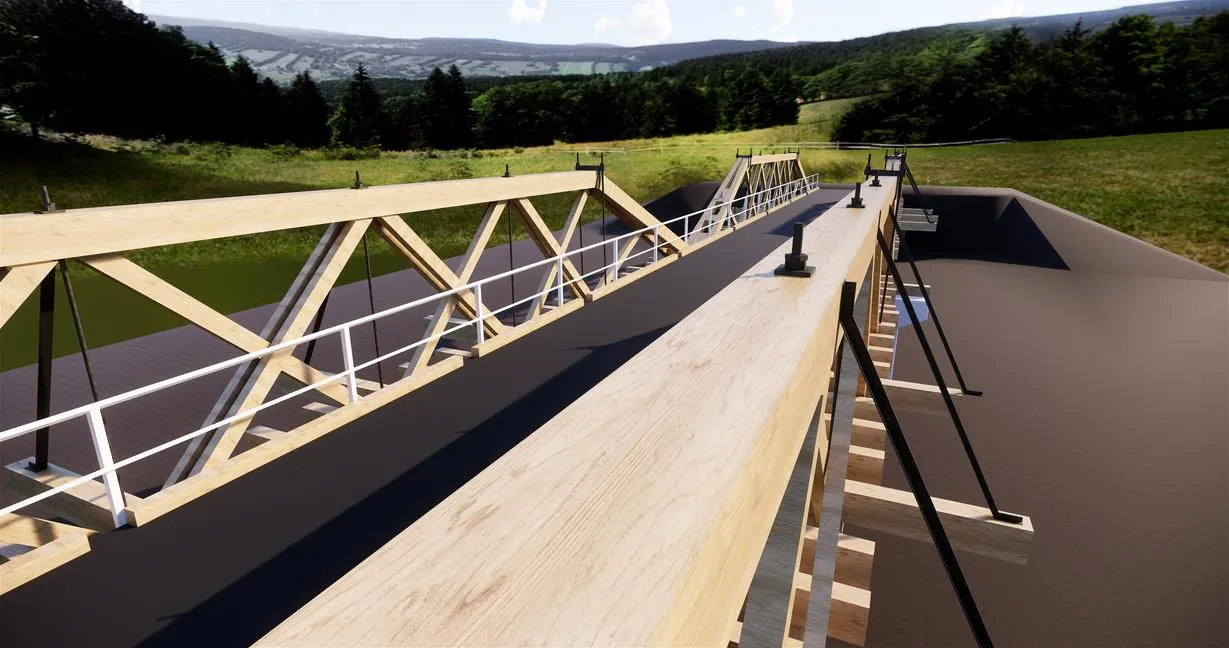
High-fidelity Revit model of the wooden bridge delivered with a full family library that meets the client's standards.

Scan-to-BIM Family-based High LOD
Project Gallery

From the project

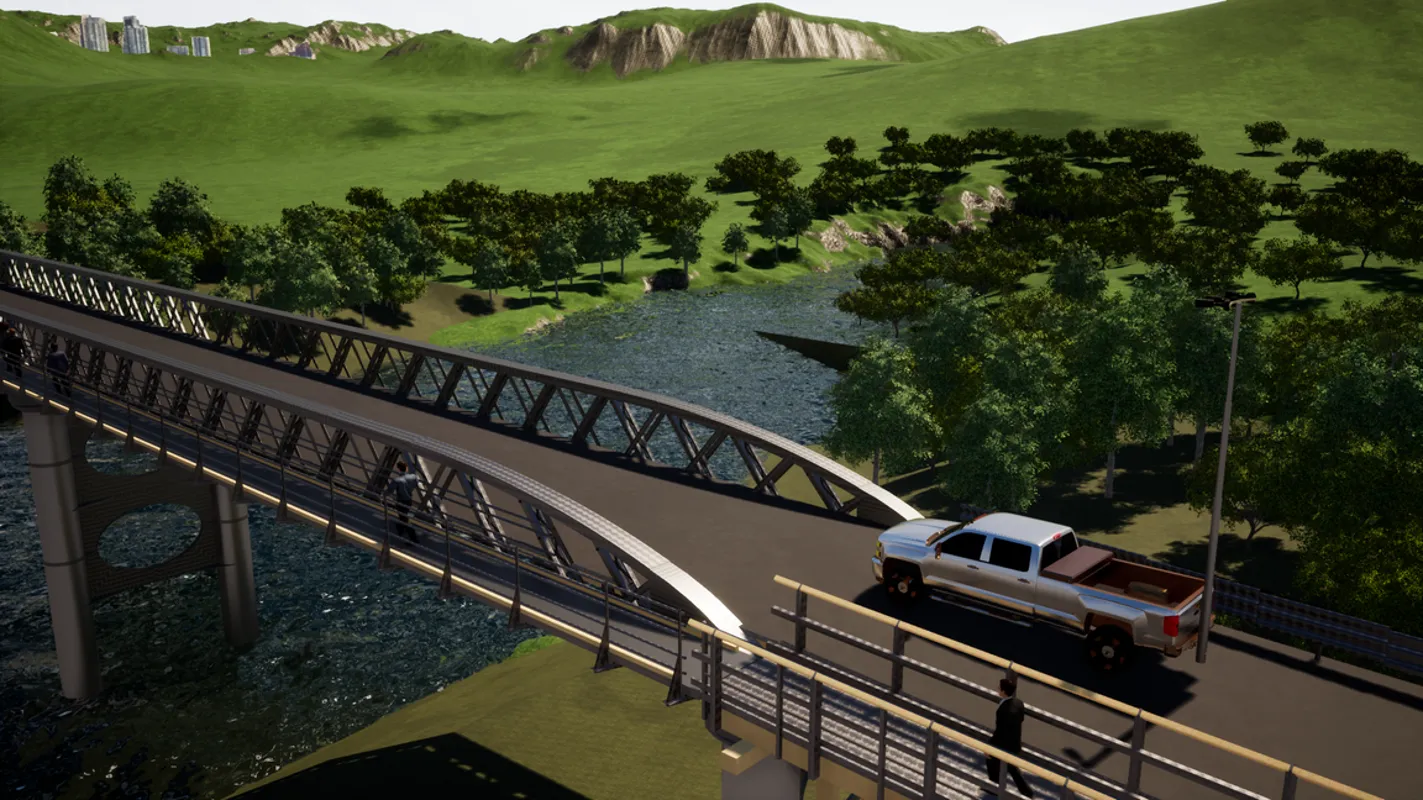
Wooden Bridge — Australia — main view
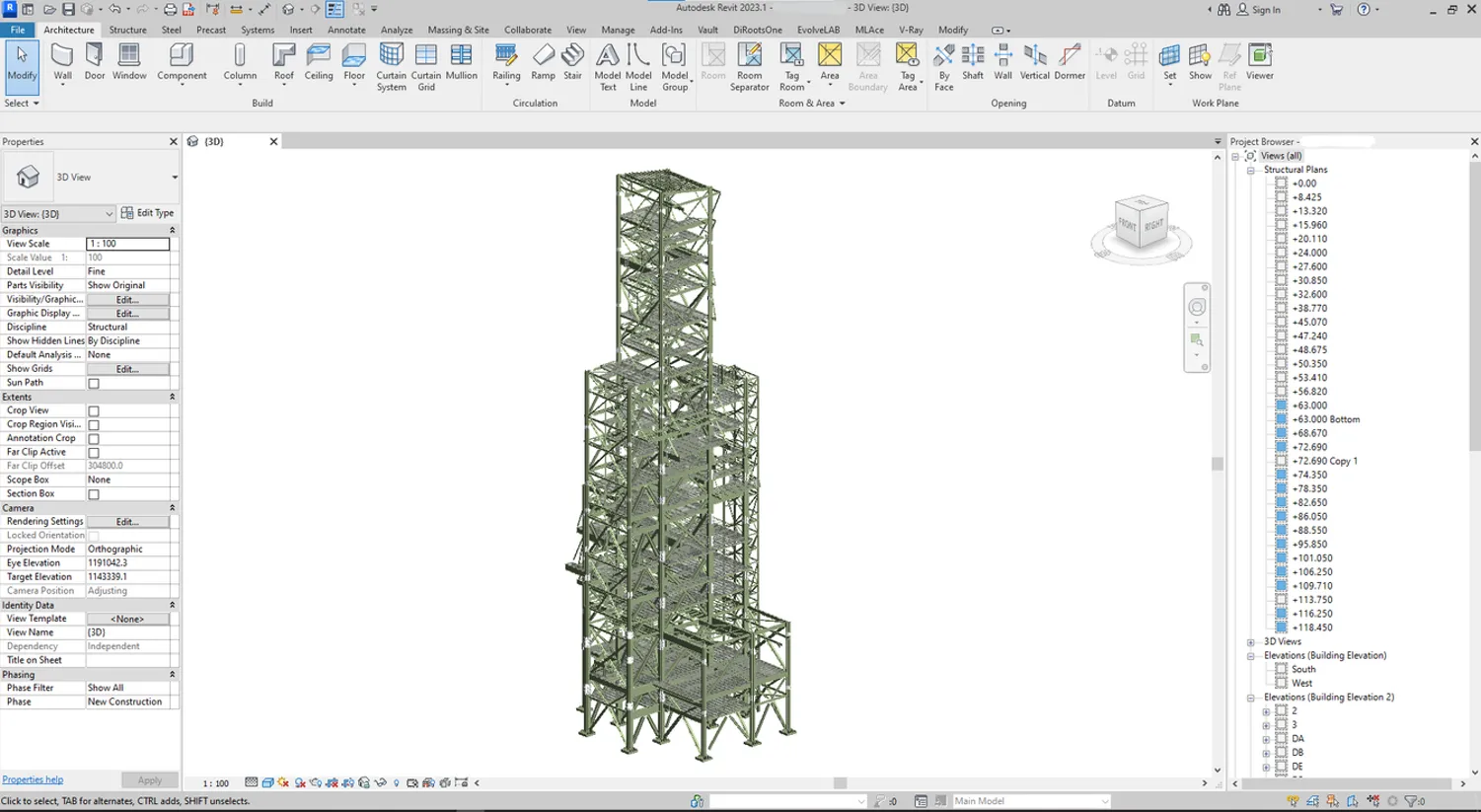
Wooden Bridge — Australia — supporting view

Have a project like this?

Send the BEP, the point cloud, or the problem — we'll come back with a recommendation, a rough scope, and a price band.