Revit → Advance Steel

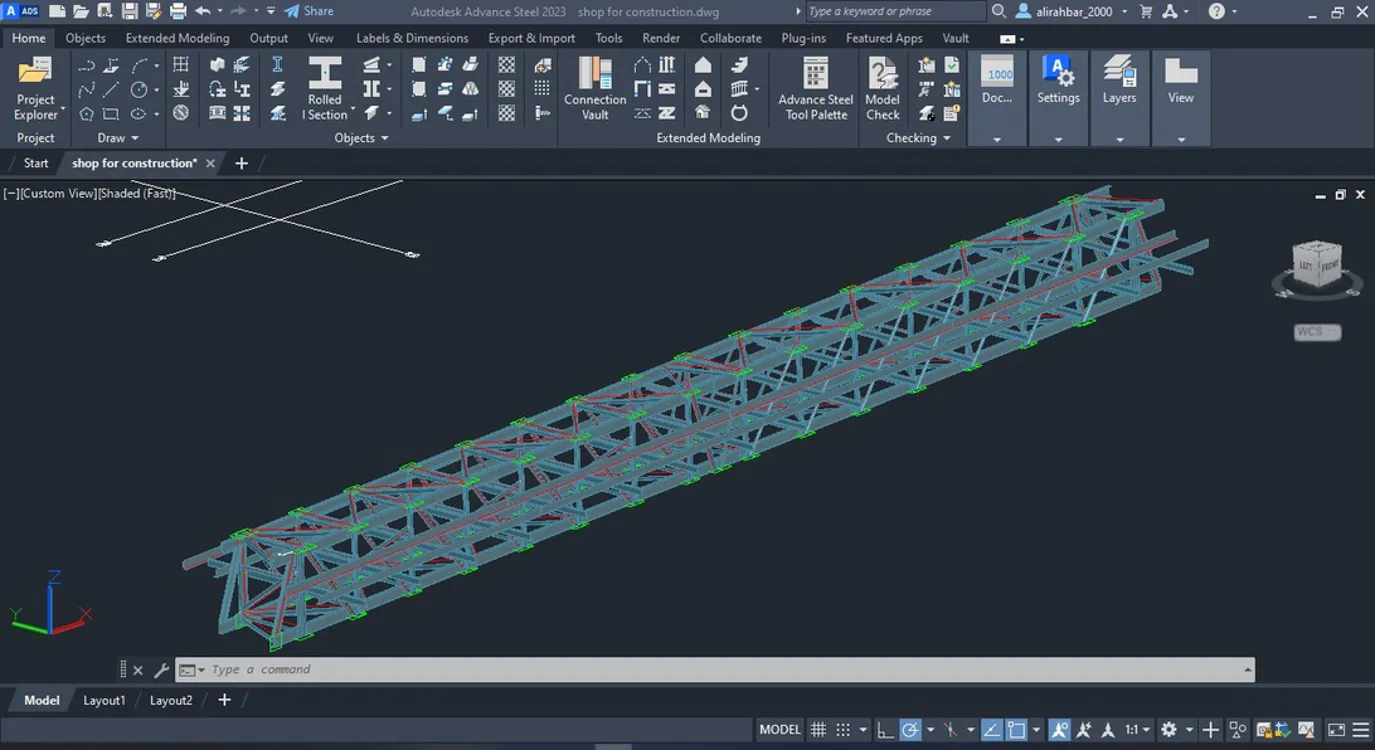
Dynamo workflow that transfers Revit structural models — including plate girders and compound sections — into Advance Steel for shop drawings.

Dynamo + Python
Plate girders
Shop-ready
Revit → Advance Steel
Automation
01

About the project

What we built

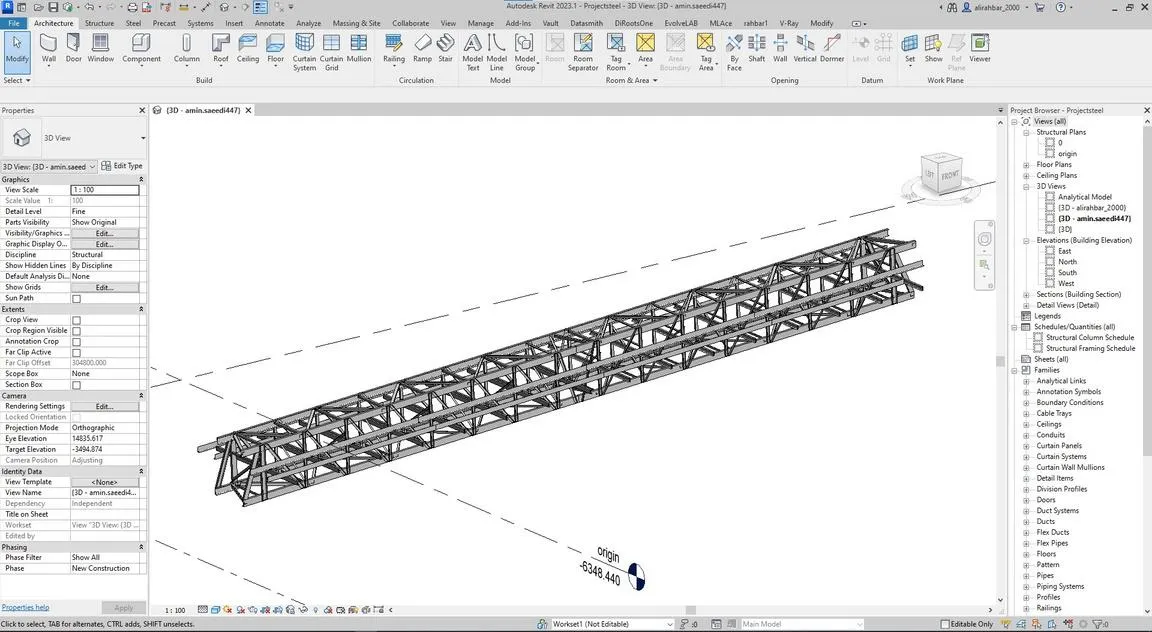
Existing Revit-to-Advance-Steel plugins have limitations, especially around non-standard sections. This Dynamo-based workflow handles the full transfer including plate girders, compound sections, and tapered beams.

02

Client request

What they asked for

A reliable transfer path for Revit structural models — with every plate girder — into Advance Steel for shop drawing production.
Our Approach

Step by step.

4 phases from kickoff to handover.

  1. 01

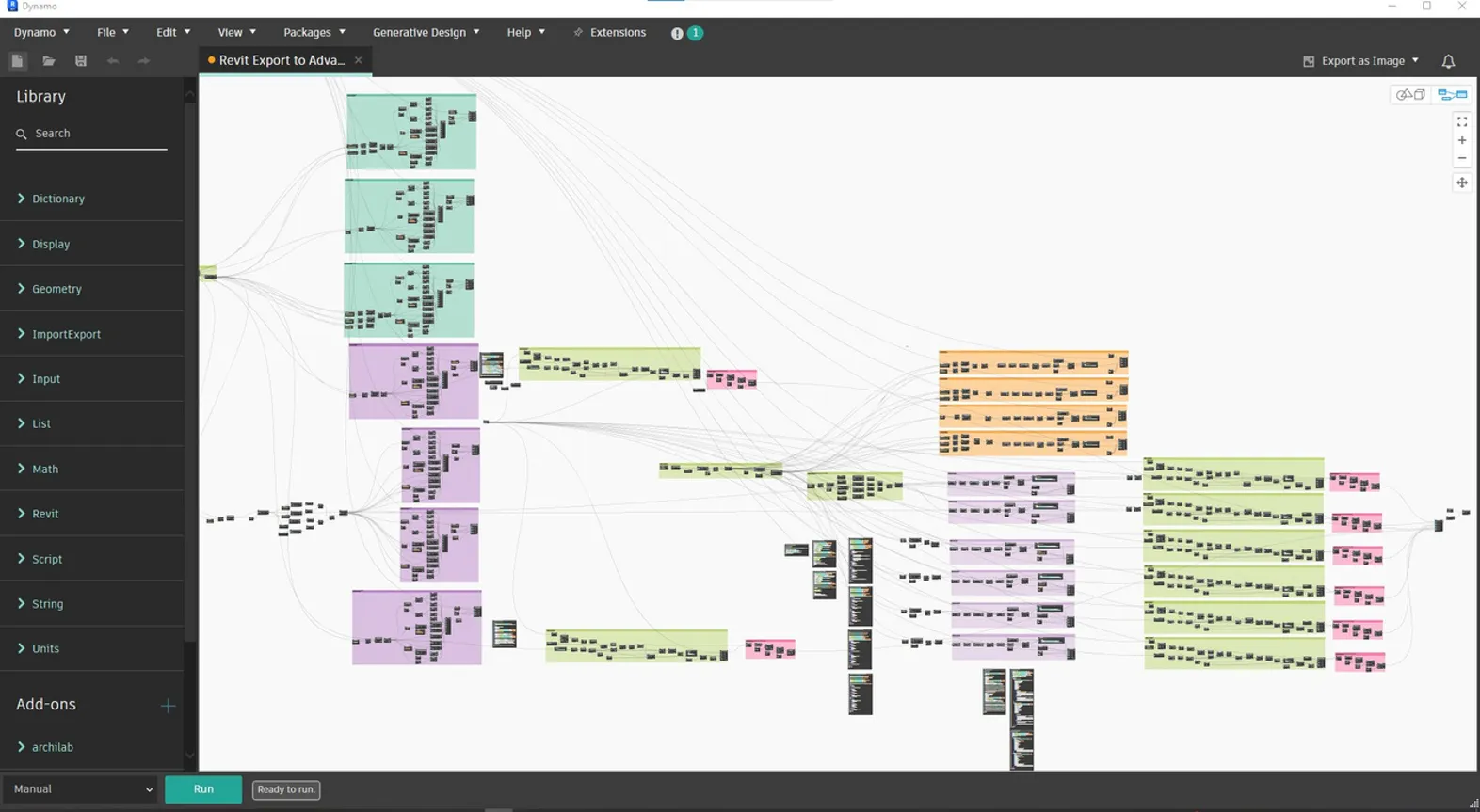
    Extract from Revit

    A Dynamo script writes all section data to a shared database and exports the structural components to Excel.

  2. 02

    Sync sections

    Load the section database into Advance Steel's library so compound, tapered, and custom profiles are recognized.

  3. 03

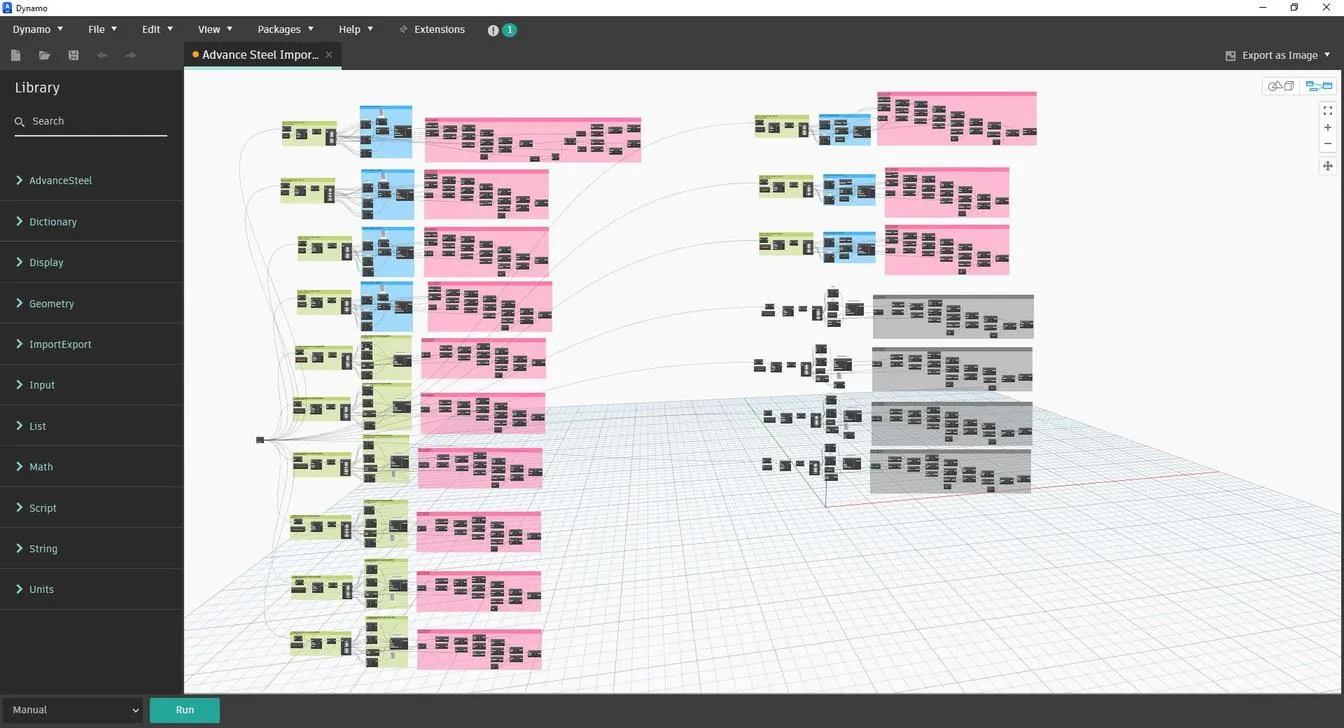
    Ingest in Advance Steel

    A Dynamo script on the Advance Steel side reads the Excel export as the model source.

  4. 04

    Reconstruct the model

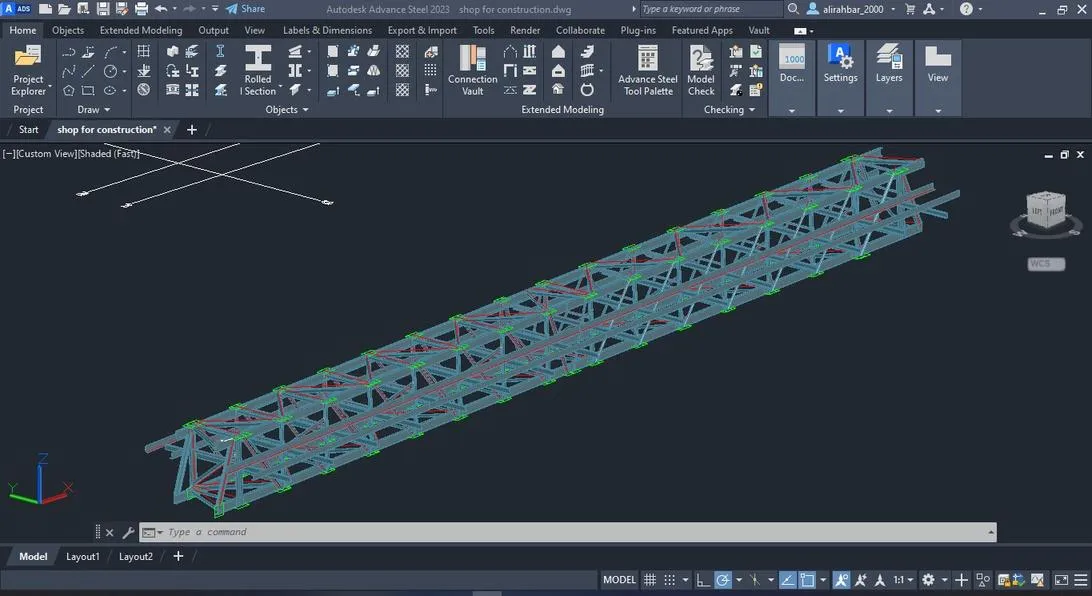
    The equivalent structural model — beams, columns, plate girders, connections — is built in Advance Steel.

The Result

What was delivered.

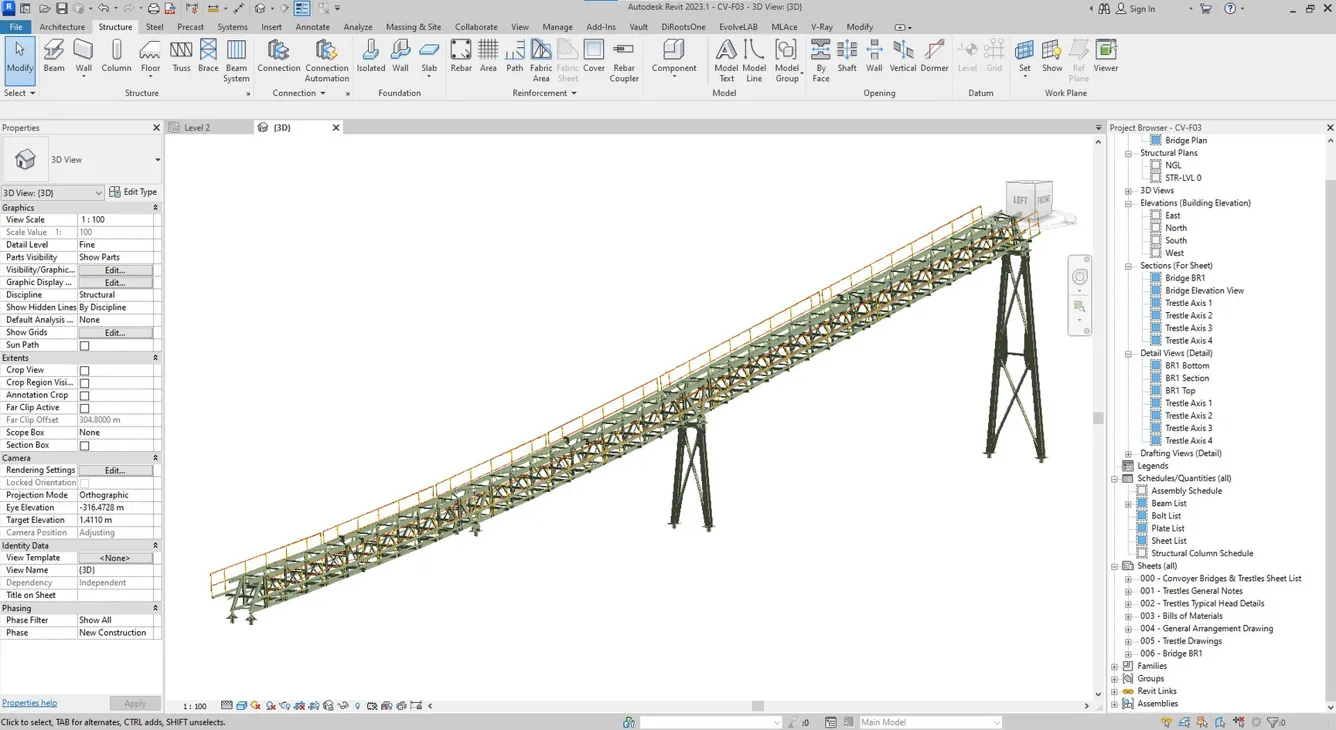
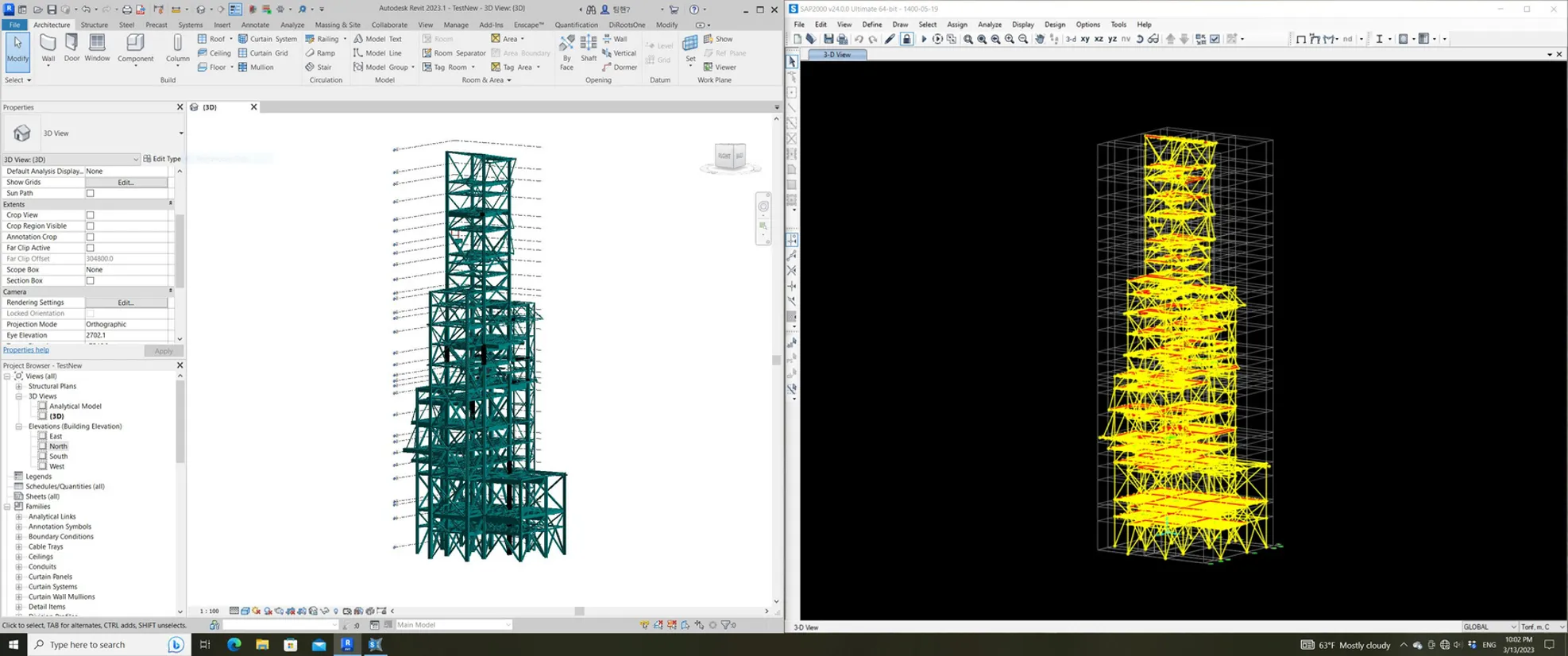
Full Revit structural models — beams, columns, plate girders, connections — imported into Advance Steel with shop-drawing-ready fidelity.

Dynamo + Python Plate girders Shop-ready
Project Gallery

From the project

Revit → Advance Steel — main view
Revit → Advance Steel — supporting view

Have a project like this?

Send the BEP, the point cloud, or the problem — we'll come back with a recommendation, a rough scope, and a price band.