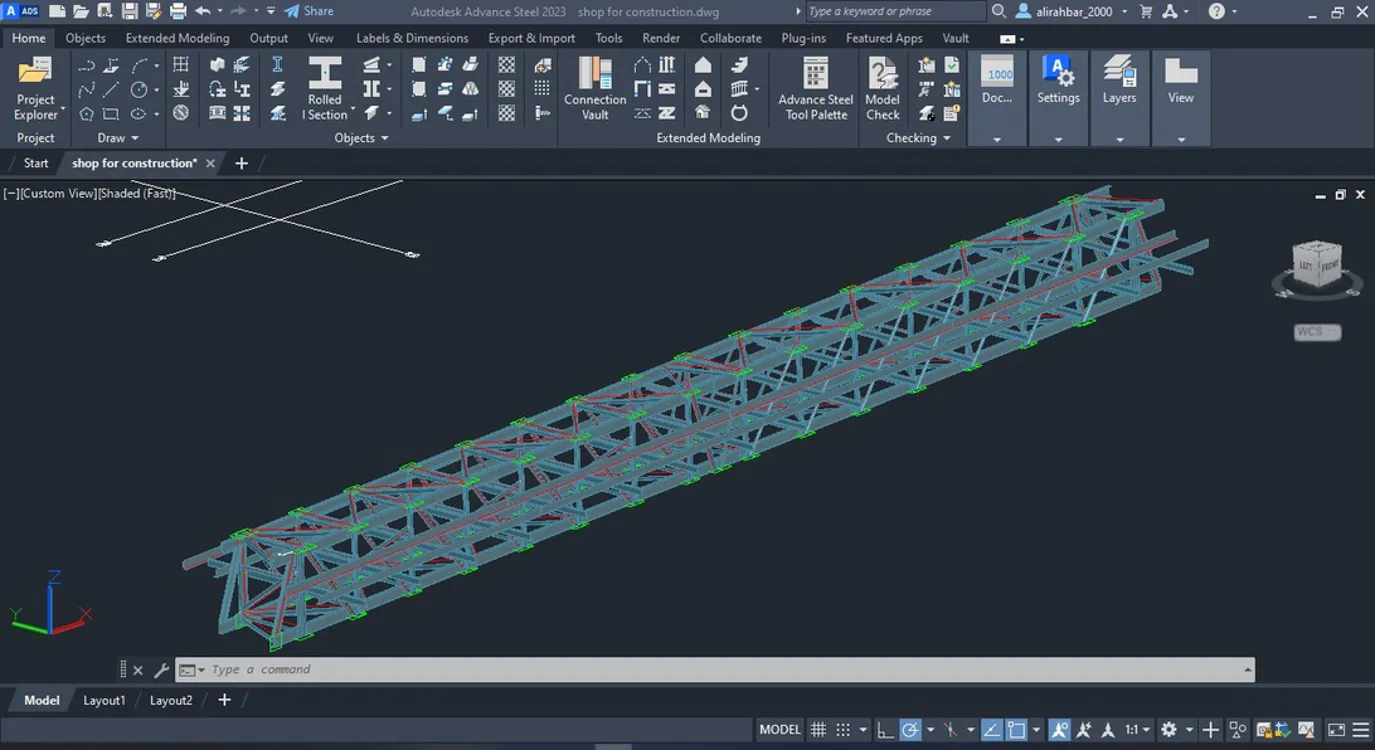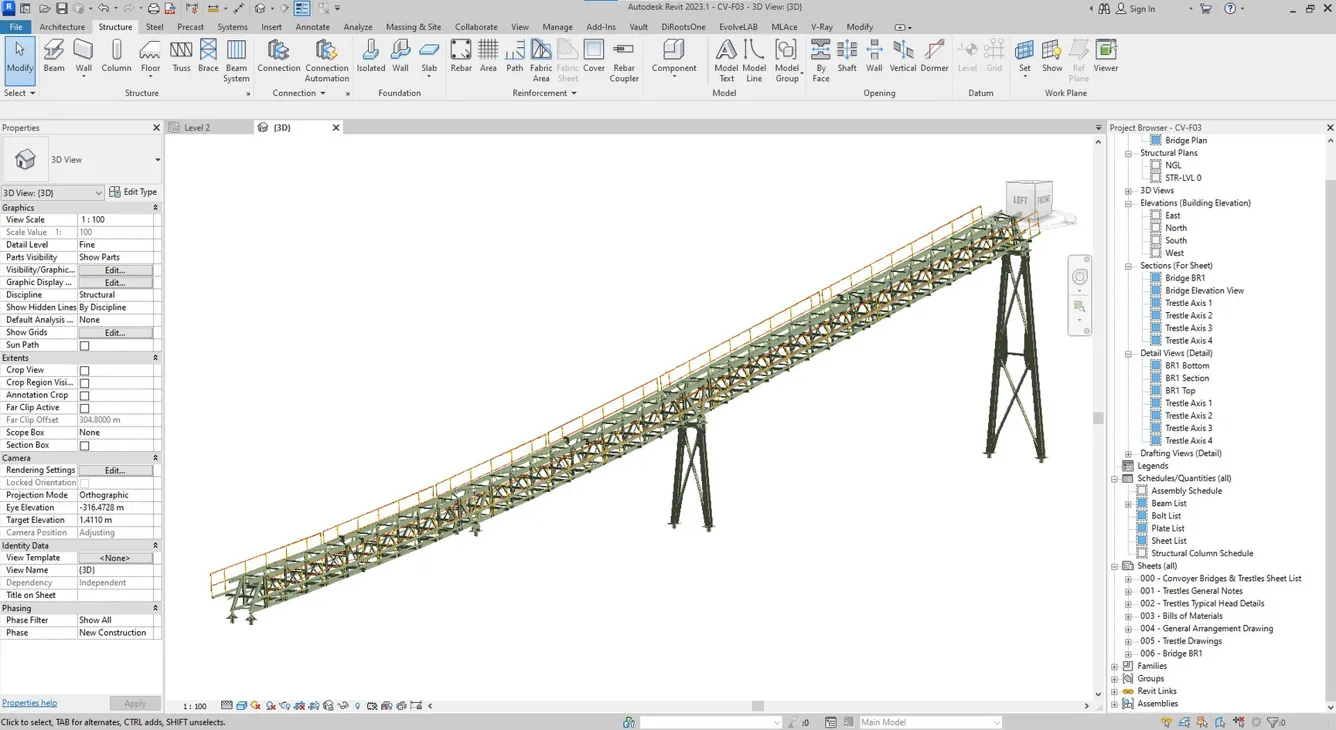
Conveyor Structure Generator

Excel-driven Dynamo workflow that generates full conveyor structures — dimensions, profiles, materials — with auto-produced drawing sheets.

Dynamo
Excel-driven
Auto-sheeting
Conveyor Structure Generator
Automation
01

About the project

What we built

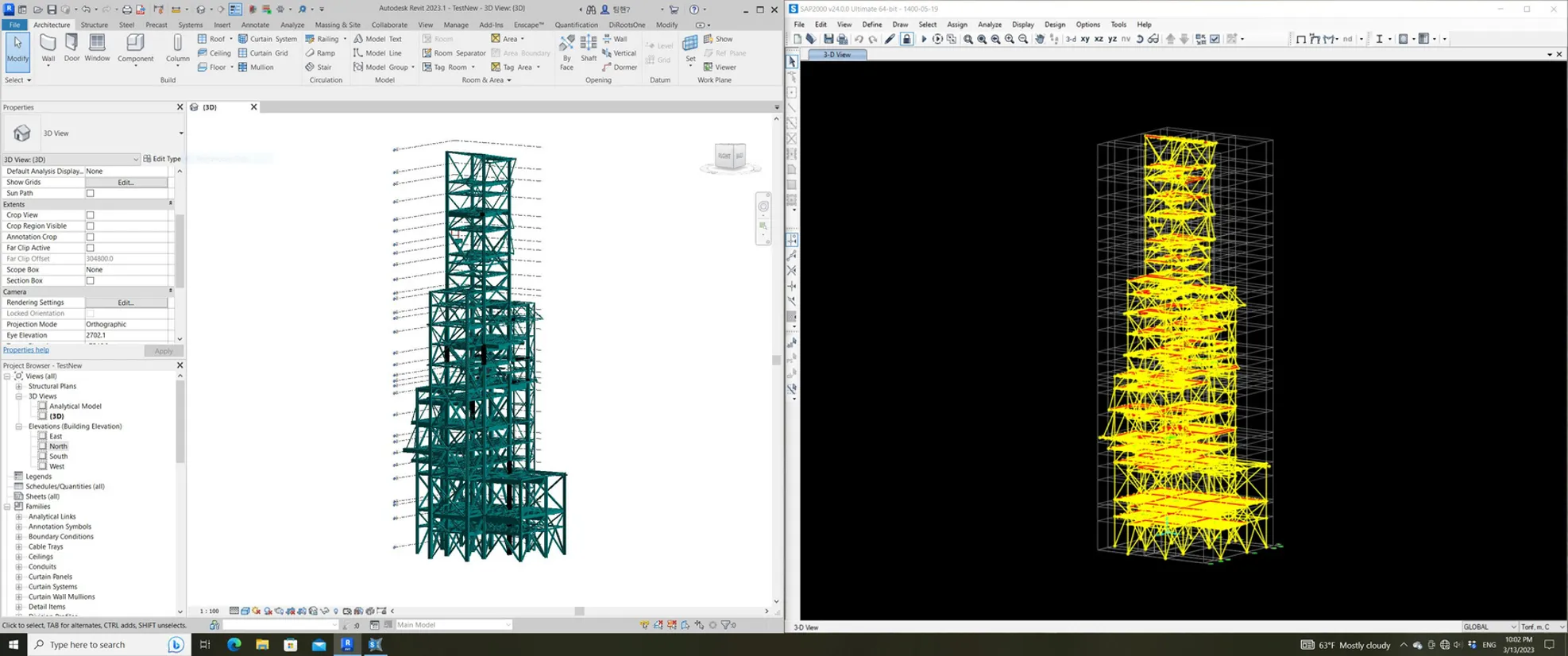
Material-handling conveyor structures are common on industrial sites but have complex geometry and thousands of elements — manual modeling was time-prohibitive, so the client needed a parametric automation solution.

02

Client request

What they asked for

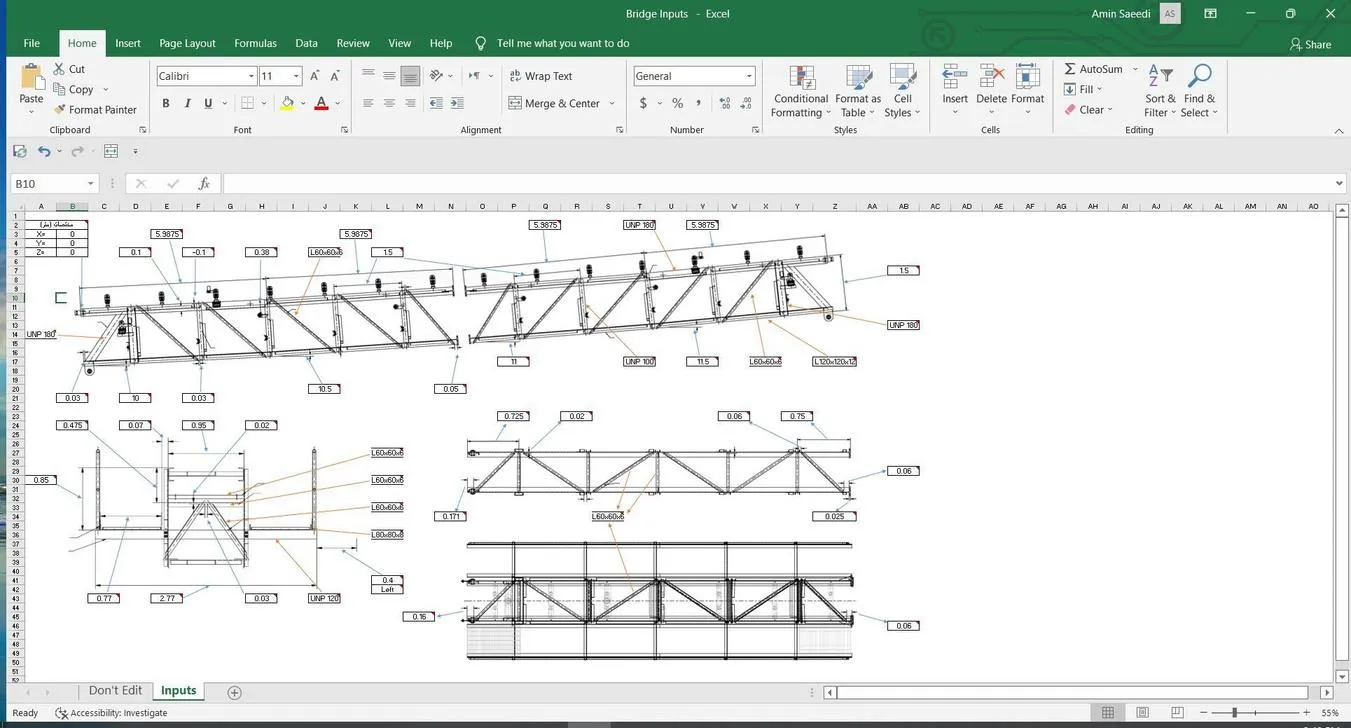
A fully parametric modeling process driven by Excel input outside Revit, with automatic 3D geometry and drawing-sheet generation.
Our Approach

Step by step.

4 phases from kickoff to handover.

  1. 01

    Excel input

    The user fills in an Excel file with dimensions, profiles, materials, and positions.

  2. 02

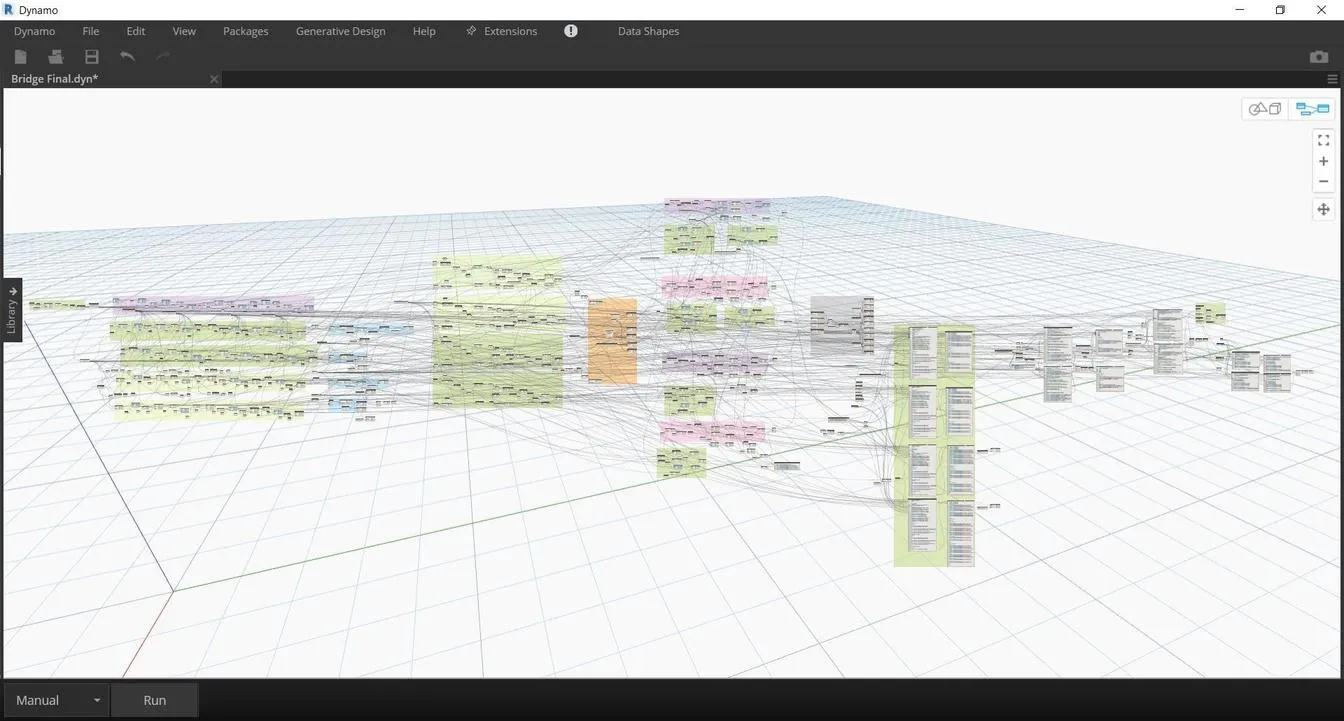
    Dynamo reads the sheet

    The Dynamo script parses the Excel input into structured modeling parameters.

  3. 03

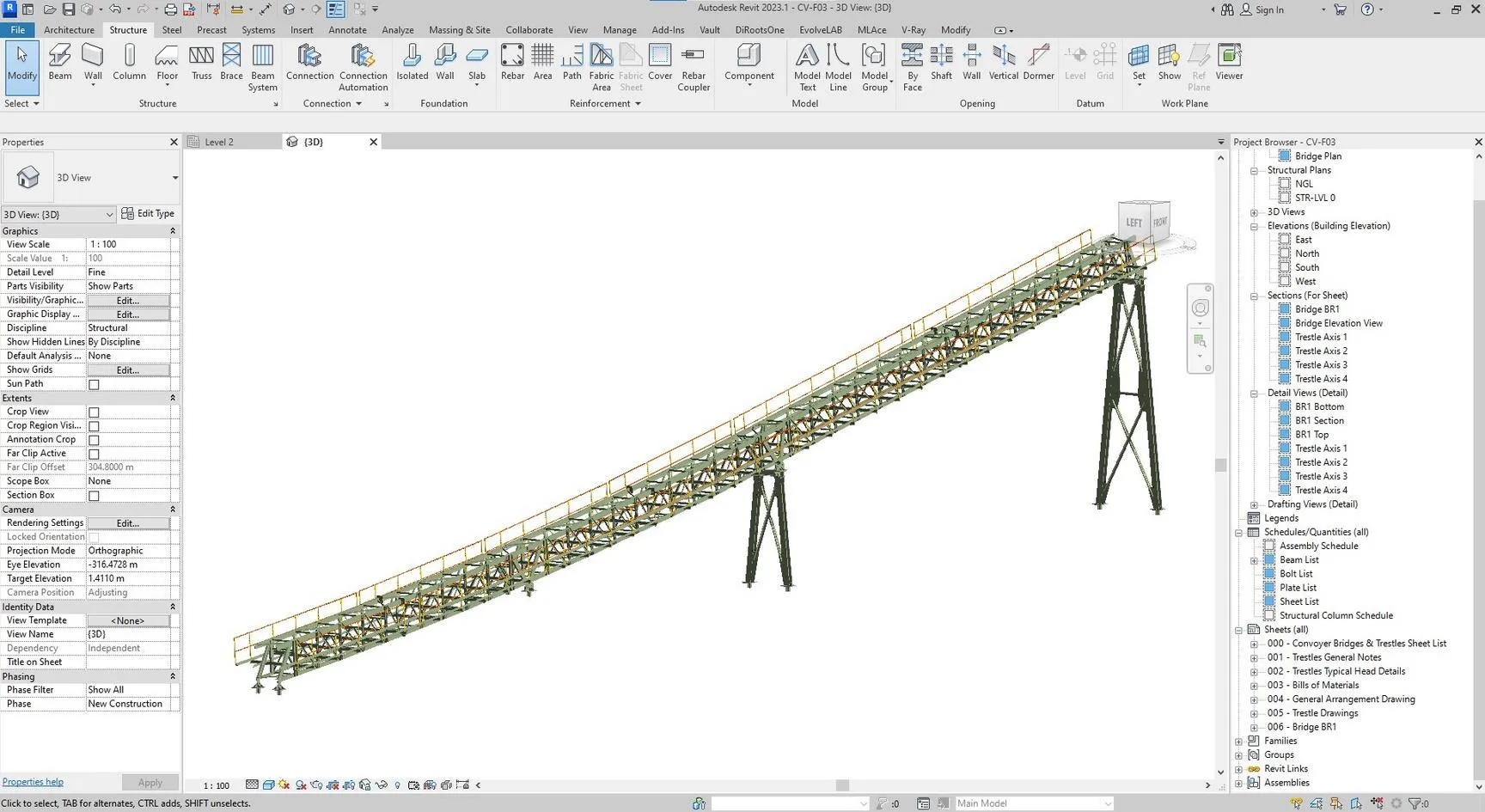
    Generate the model

    Dynamo builds the parametric conveyor structure directly in Revit.

  4. 04

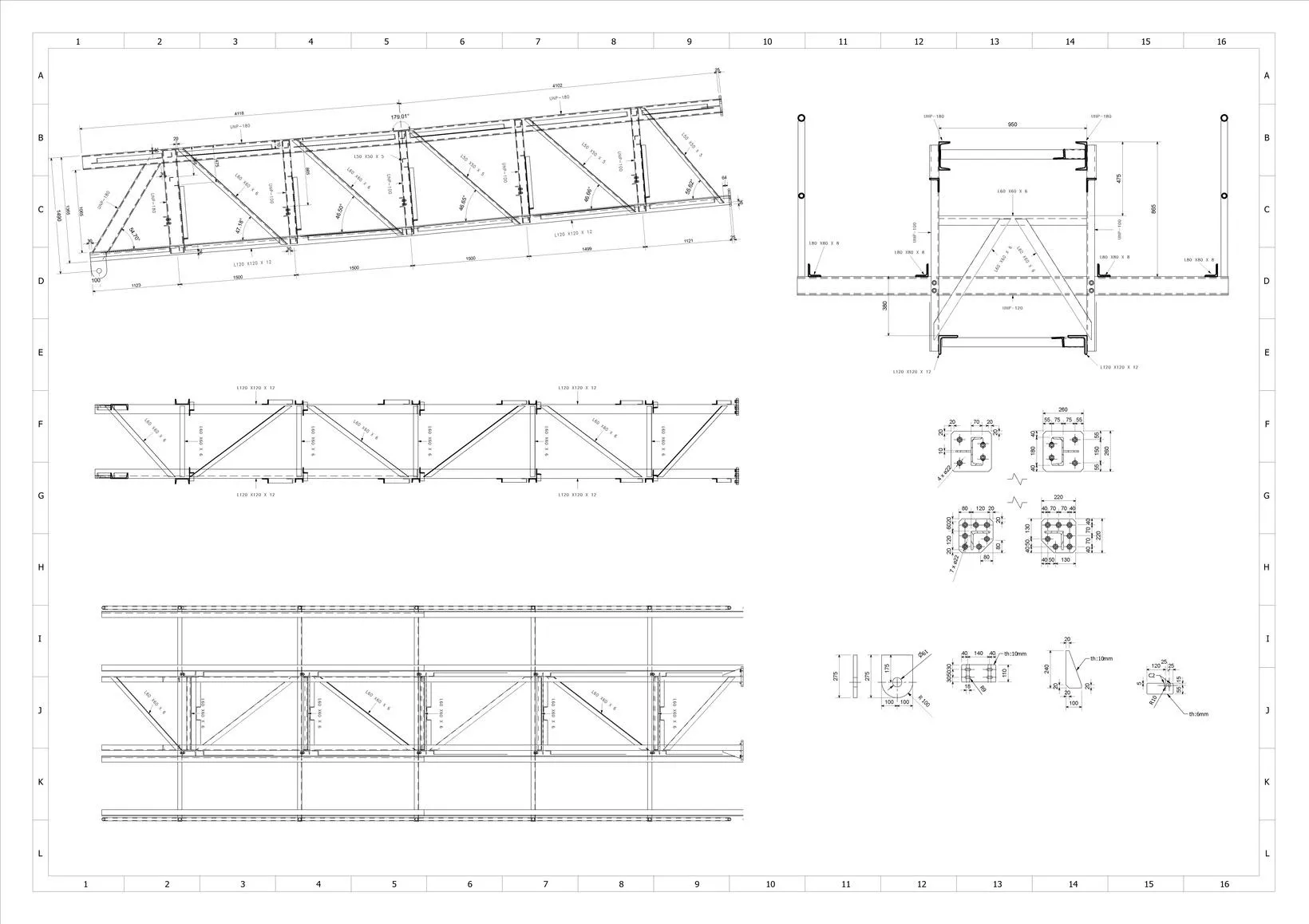
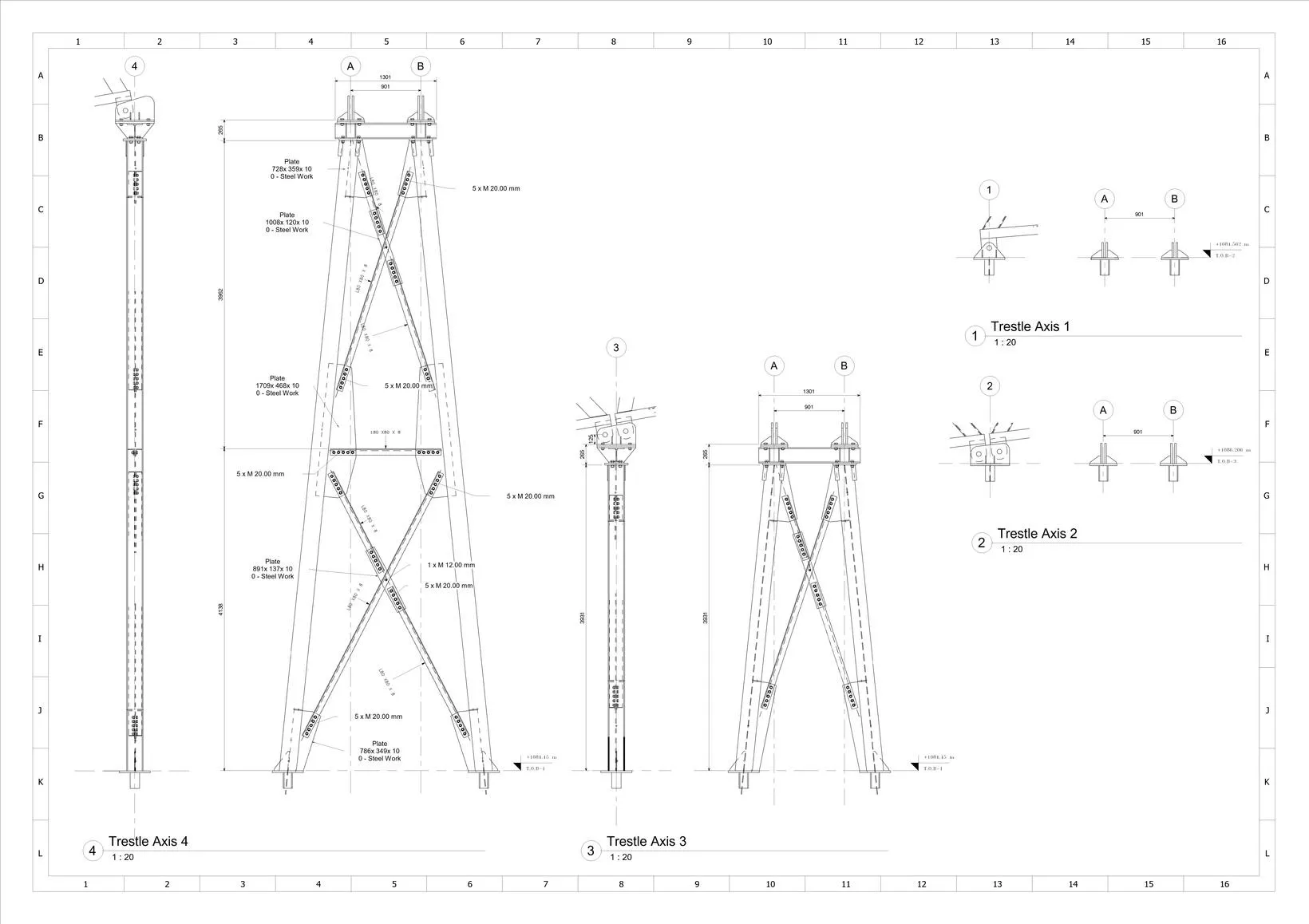
    Auto-sheet output

    Dynamo sets up views, applies dimensioning, and places drawing sheets automatically.

The Result

What was delivered.

An Excel-driven Dynamo workflow that produces conveyor models and their drawing sheets in seconds — used successfully on production projects.

Dynamo Excel-driven Auto-sheeting
Project Gallery

From the project

Conveyor Structure Generator — main view
Conveyor Structure Generator — supporting view

Have a project like this?

Send the BEP, the point cloud, or the problem — we'll come back with a recommendation, a rough scope, and a price band.